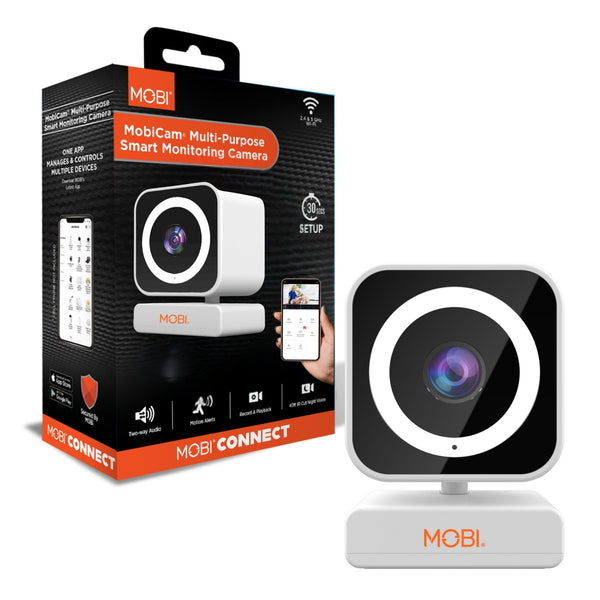
Baby Monitor Buying Guide: Wi-Fi Cameras vs Dedicated Displays
Wi-Fi cameras, pan-and-tilt models and dedicated parent units compared on reliability, privacy, night vision and what a nursery really needs.
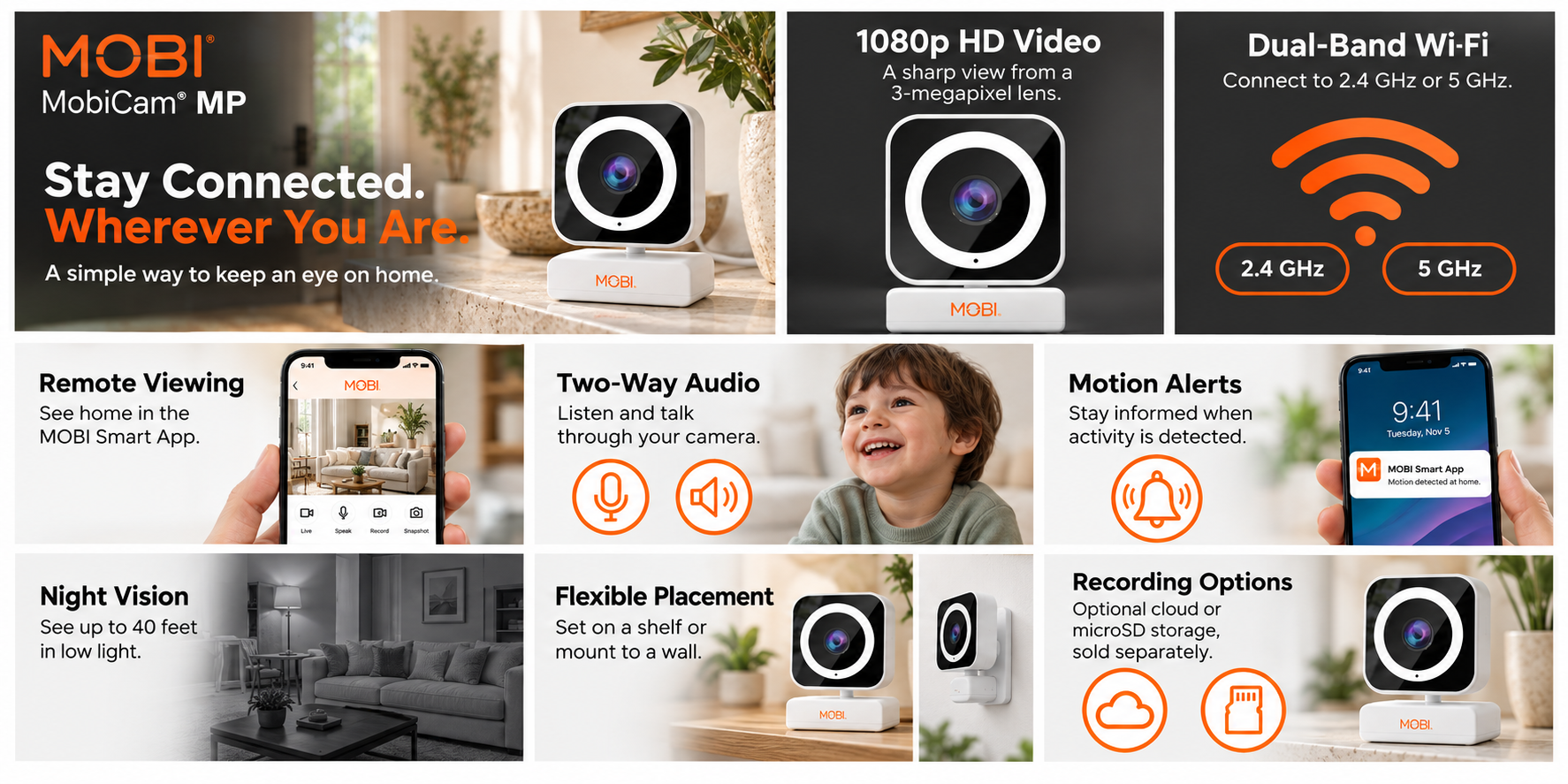
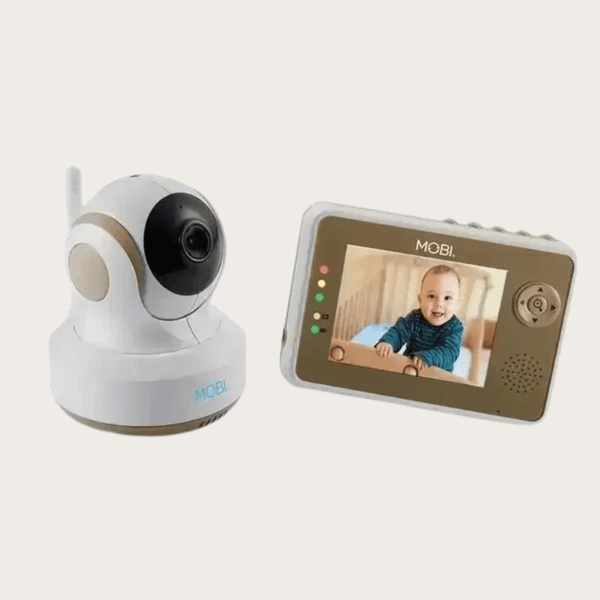
The two families of baby monitor solve different problems. Wi-Fi cameras stream to a phone, so you can look in from anywhere. Dedicated monitors pair a camera with a parent unit that works independently of your network. Most households eventually want one of each — a phone-based camera for out-of-the-house check-ins and a fixed parent unit for overnight reliability.
What matters most overnight
Night vision quality is the feature you will notice every single night. Infrared LEDs should illuminate the whole crib or bed, not just the middle of it. A camera mounted higher with a slight downward angle usually outperforms one sitting on a dresser edge. Color night vision is a nice extra but black-and-white infrared usually resolves detail better in total darkness.
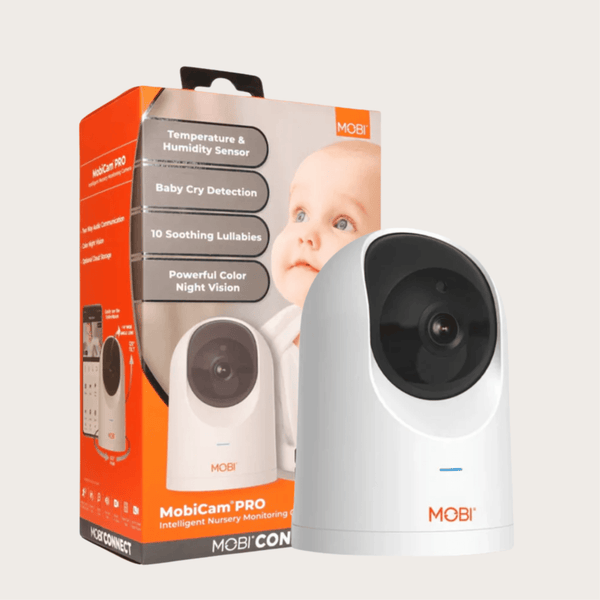
Field of view decides how much you have to reposition the camera. A fixed lens around 110 to 130 degrees covers a crib comfortably. If you also want to follow a toddler around the room, a pan-and-tilt model such as the MobiCam Pro or MobiCam HDX lets you move the view from the app instead of climbing on furniture.
Two-way audio and alerts
Two-way audio lets you soothe a baby without entering the room, and it is also handy for pets and for checking in with an older relative. Motion and sound alerts are useful but easy to over-use: set sensitivity low enough that a ceiling fan or a passing shadow does not wake you, and rely on the live feed during the night.
Privacy and reliability
Any camera connected to the internet should be secured with a strong, unique password and current firmware. Keep the camera on your own network, avoid sharing login credentials, and treat access to the live feed the way you would treat a house key. Wi-Fi cameras depend on your router; if your network is flaky overnight, a dedicated monitor such as the MobiCam DXR M1 keeps working because it uses its own private wireless link to the parent unit.
Room conditions and extras
Nurseries are easier to manage when you can see temperature and humidity without a second device, which is why several MOBI cameras report both in the app. A wall or shelf mount gets the camera out of reach, a long cable keeps the adapter away from the crib, and cloud recording plans add the option to review what happened earlier.
A simple way to decide
- Want to check in from work, get motion alerts, and add cloud recording? Choose a Wi-Fi camera.
- Want a screen that always works, with no phone in the bedroom? Add a dedicated parent unit.
- Watching a toddler who moves around the room? Choose pan and tilt.
Whatever you choose, mount it securely, keep cords well away from the crib, and test the night view before the first night you rely on it.